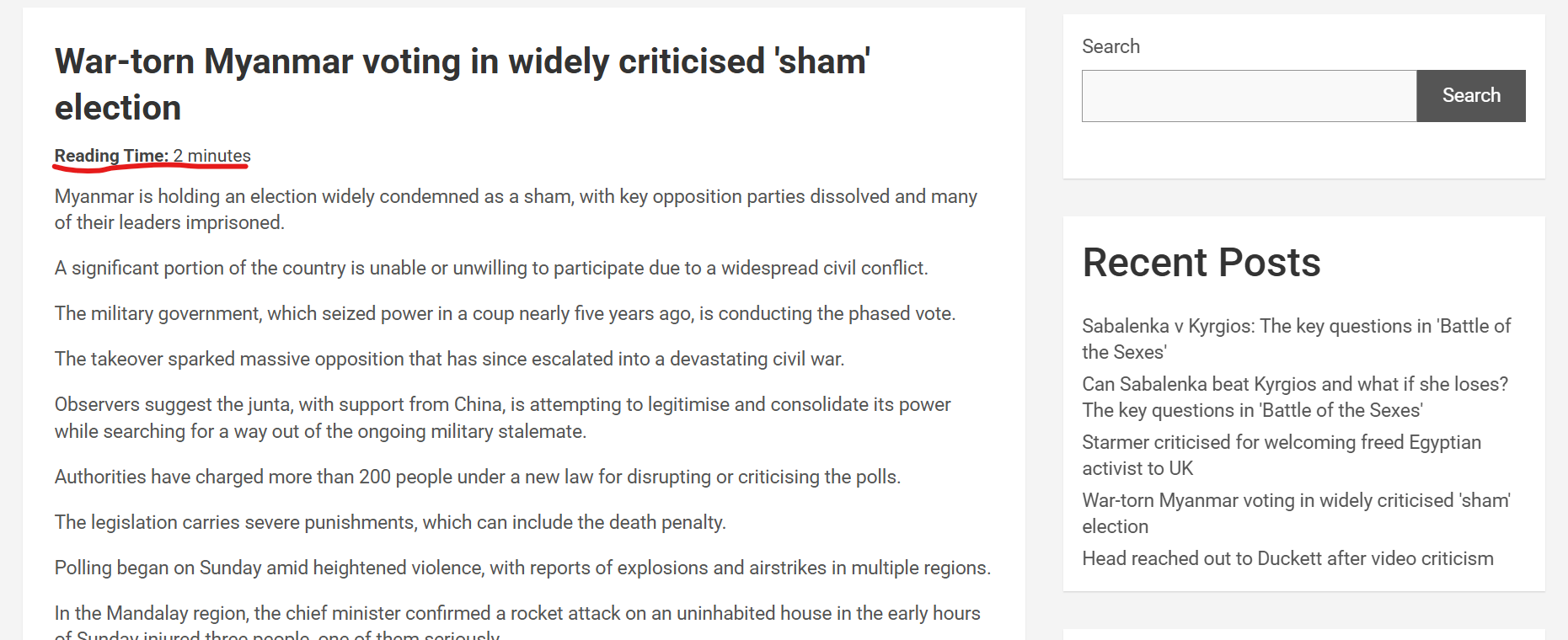
Reading Time Display automatically shows an estimated reading time above your posts so visitors know how long the article will take to read. This improves user experience and helps readers decide whether to continue or save the post for later. It is especially useful for blogs, tutorials, and long form content, and it works automatically after you activate it.
Features
✔ Shows estimated reading time on posts ✔ Adjustable reading speed ✔ Simple text format like “Reading time: 4 minutes” ✔ Works with posts and custom post types ✔ Lightweight and beginner friendly ✔ Works with most themes
How To Install
Go to Plugins → Add New
Click Upload Plugin
Select the plugin zip file
Click Install Now
Activate the plugin
How To Use
Go to Settings → Reading Time Display
Set the words per minute speed
Choose where the reading time should appear
Before content
After content
Customize the label text if needed
Click Save
Your posts will now show the estimated reading time automatically.