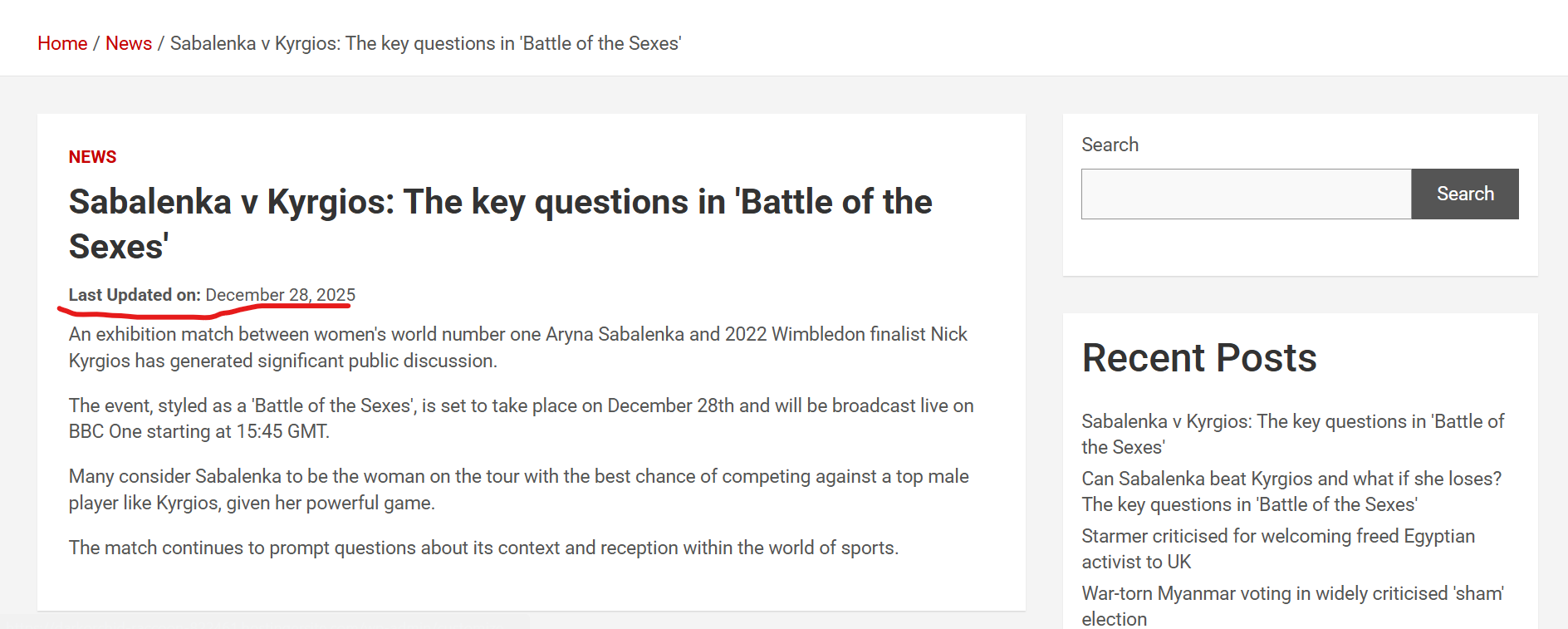
Last Updated Display automatically shows the last updated date on your posts and pages so visitors know how fresh the content is. This helps build trust, improves SEO, and is especially useful for tutorials, blogs, news, and evergreen content that gets updated regularly. The display is clean, customizable, and easy to enable.
Features:
✔ Show last updated date on posts and pages
✔ Option to hide the original publish date
✔ Custom text before the date
✔ Works with most themes
✔ Improves transparency and SEO
✔ Lightweight and simple to use
How To Install:
Go to Plugins → Add New
Click Upload Plugin
Select the plugin zip file
Click Install Now
Activate the plugin
How To Use:
Go to Settings → Last Updated Display
Enable the display option
Choose where the date should appear
Before content
After content
Add optional custom label text
Click Save
Your posts will now show the last updated date automatically.