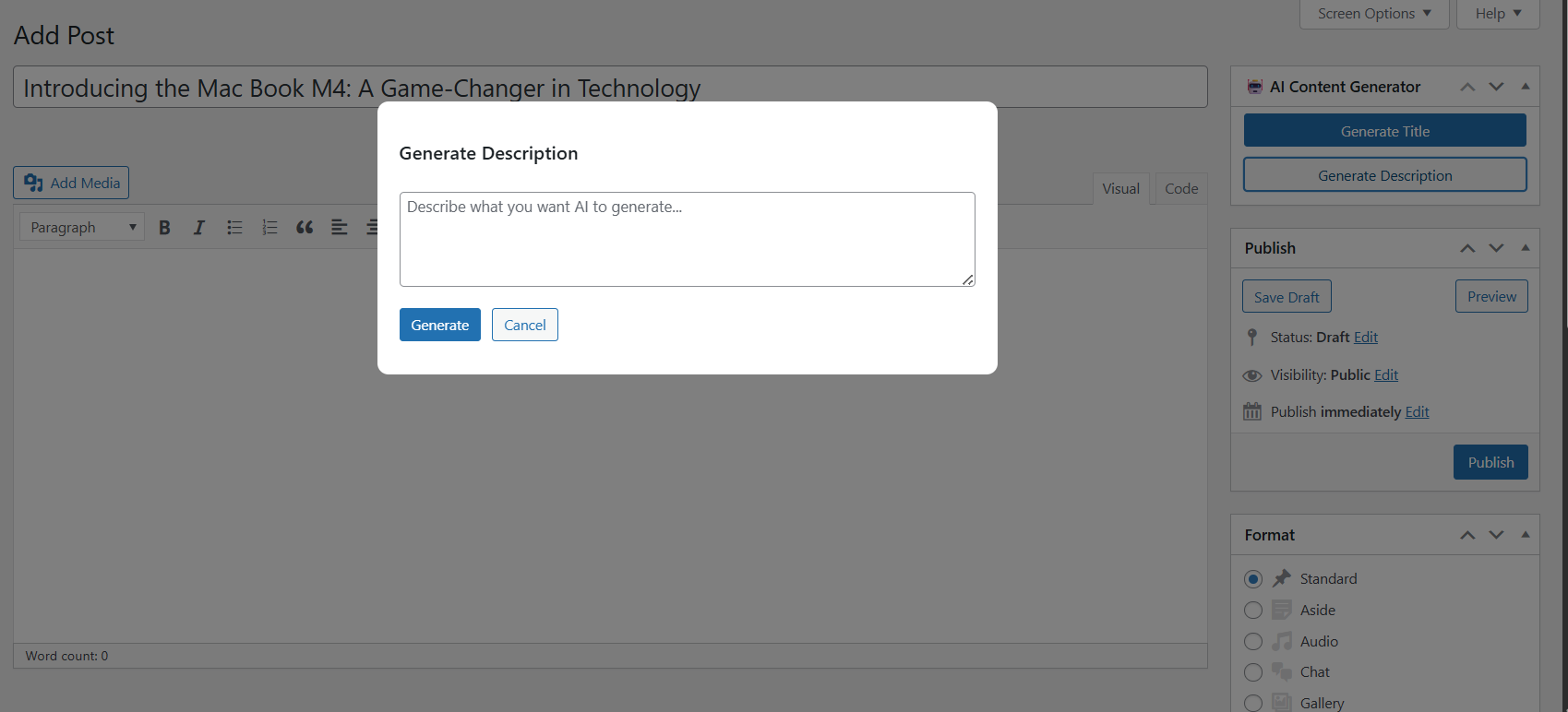
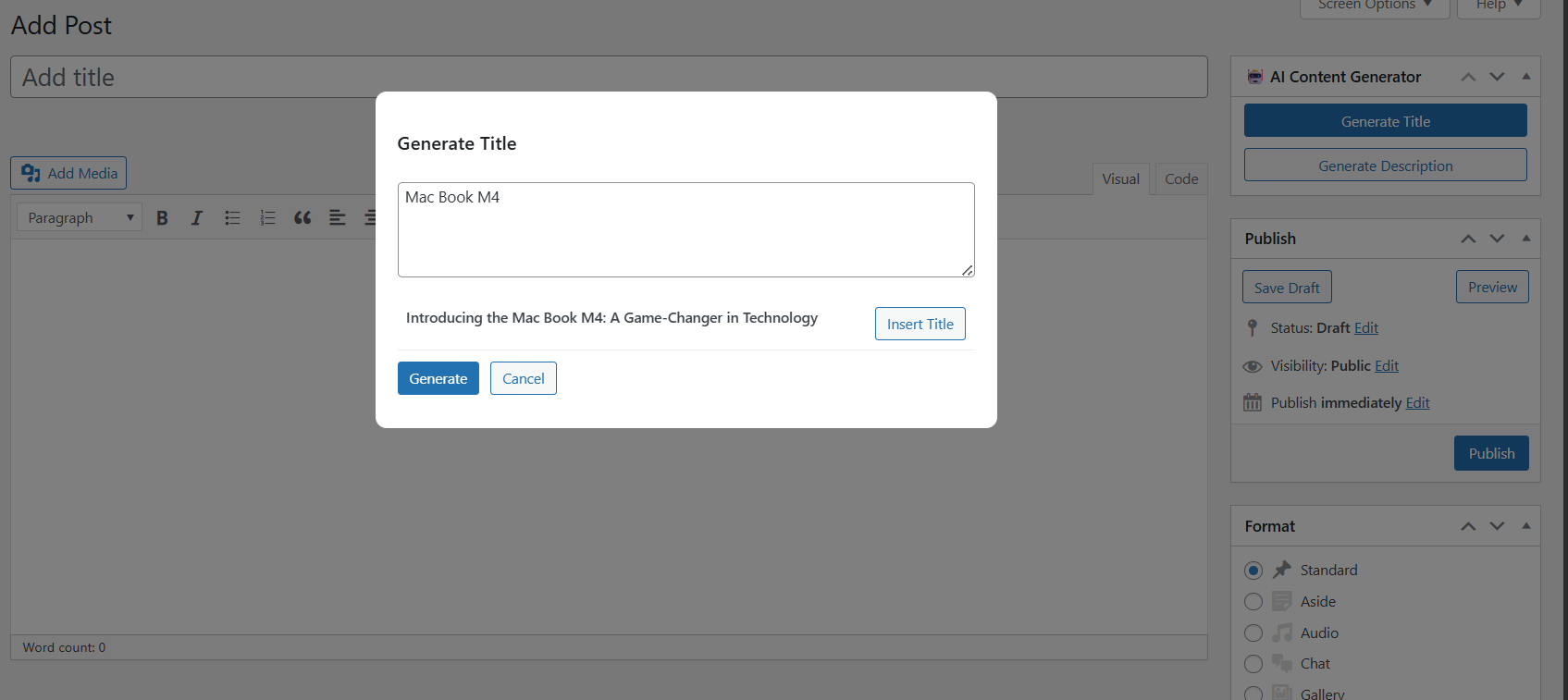
AI Content Creator helps you generate high-quality post content and WooCommerce product descriptions directly inside WordPress. Instead of writing everything manually, you can create titles, descriptions, and product copy with one click, review the result, and insert it instantly. This saves time and helps you publish faster while staying in full control of your content.
It is especially useful for bloggers, online store owners, content creators, and agencies who want to work smarter without leaving the WordPress editor.
Features
✔ Generate SEO-friendly blog post titles
✔ Create paragraphs and descriptions using AI
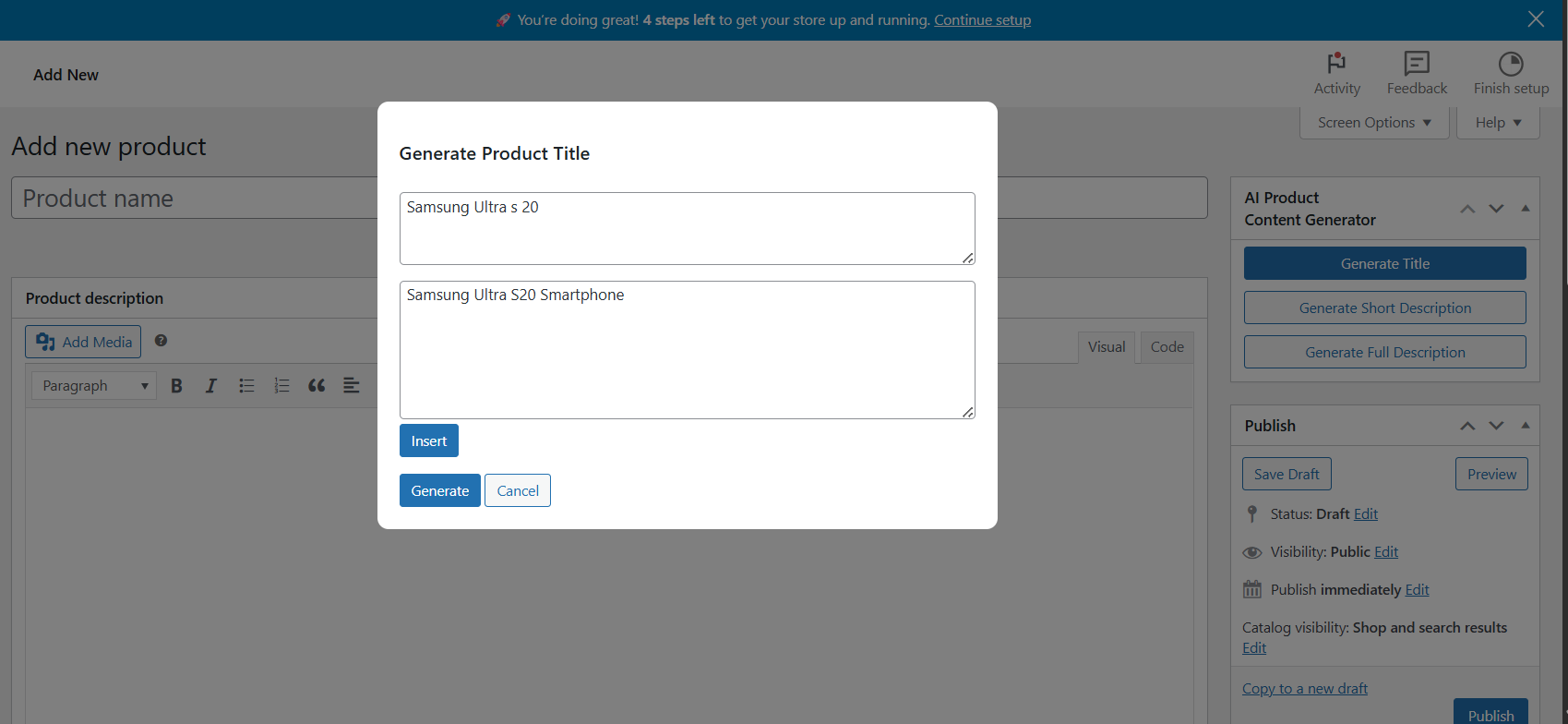
✔ Generate WooCommerce product titles
✔ Write short and long product descriptions
✔ Preview text before inserting it
✔ Enable or disable tools with simple switches
✔ Works with Classic Editor and WooCommerce
✔ Lightweight and easy to use
How To Install
Go to Plugins → Add New
Click Upload Plugin
Select the plugin zip file
Click Install Now
Activate the plugin
How To Set Up
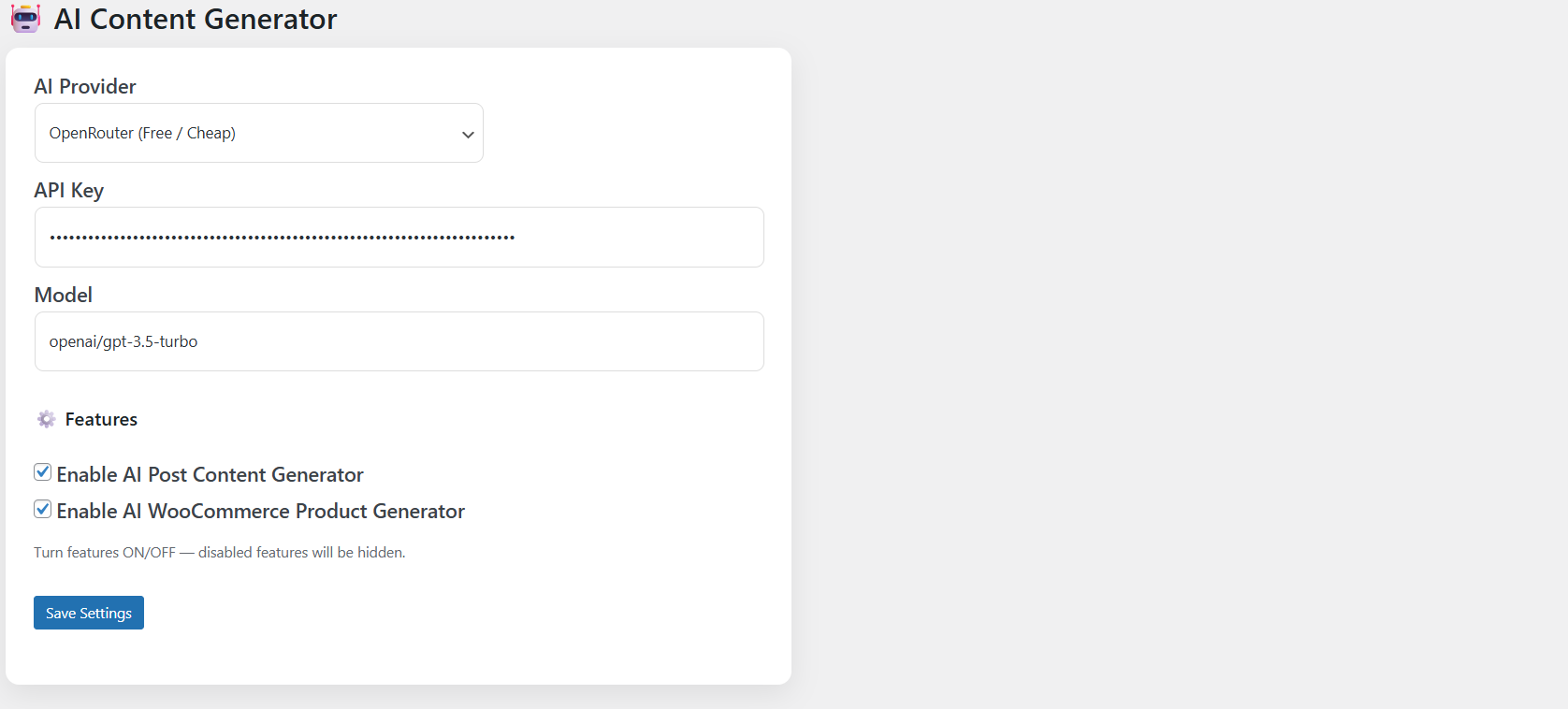
Go to Settings → AI Content Creator
Choose your AI provider
Paste your API key
Turn on Post Generator and/or Product Generator
Click Save
How To Use For Posts
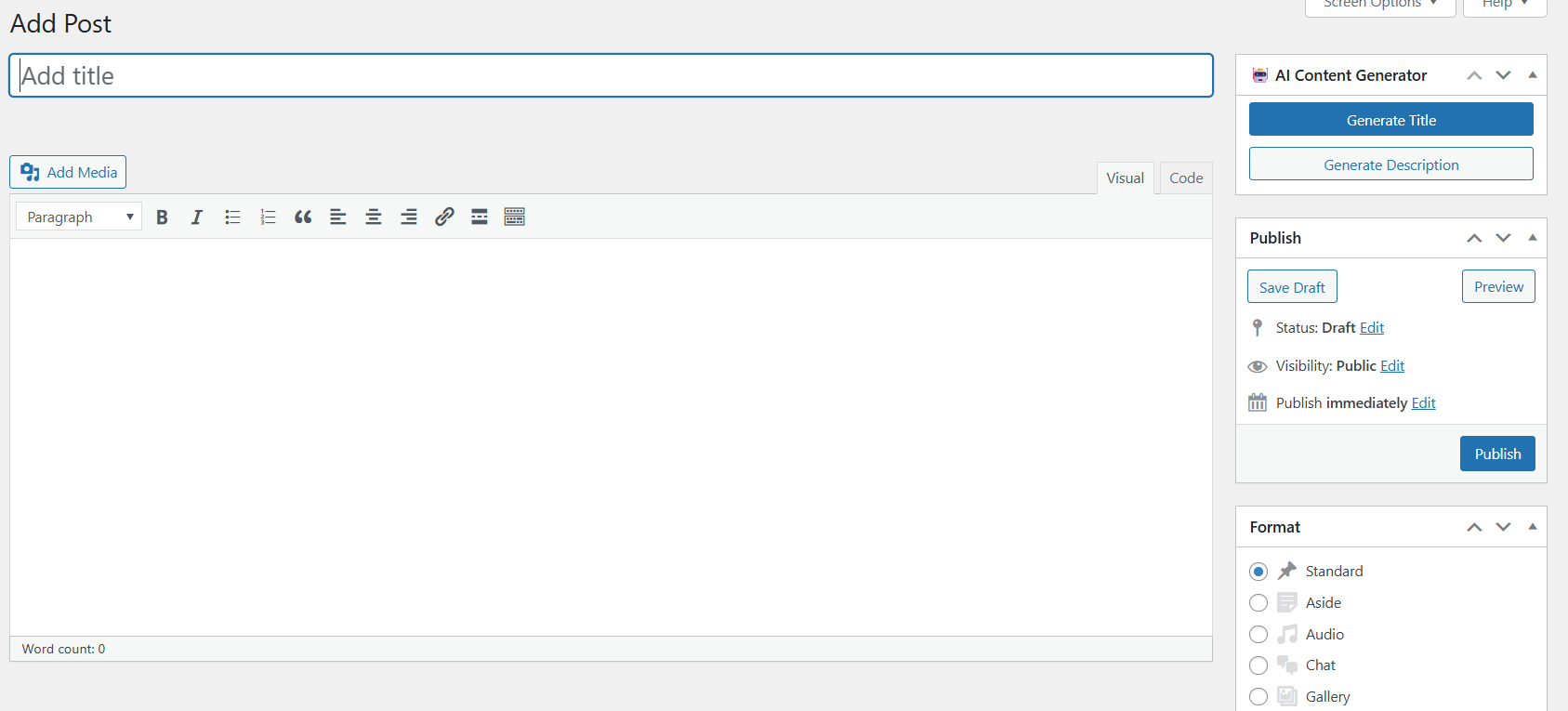
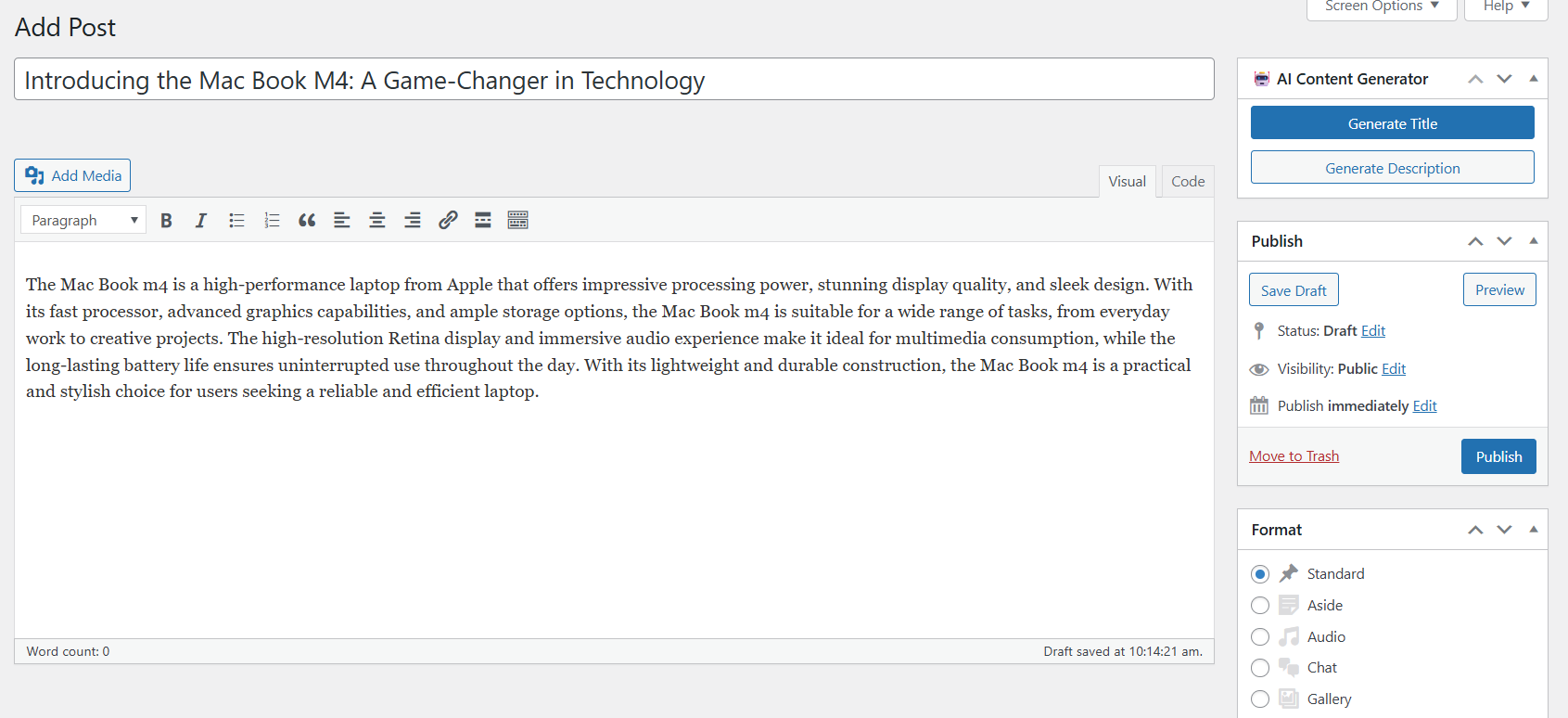
Open or create a new post
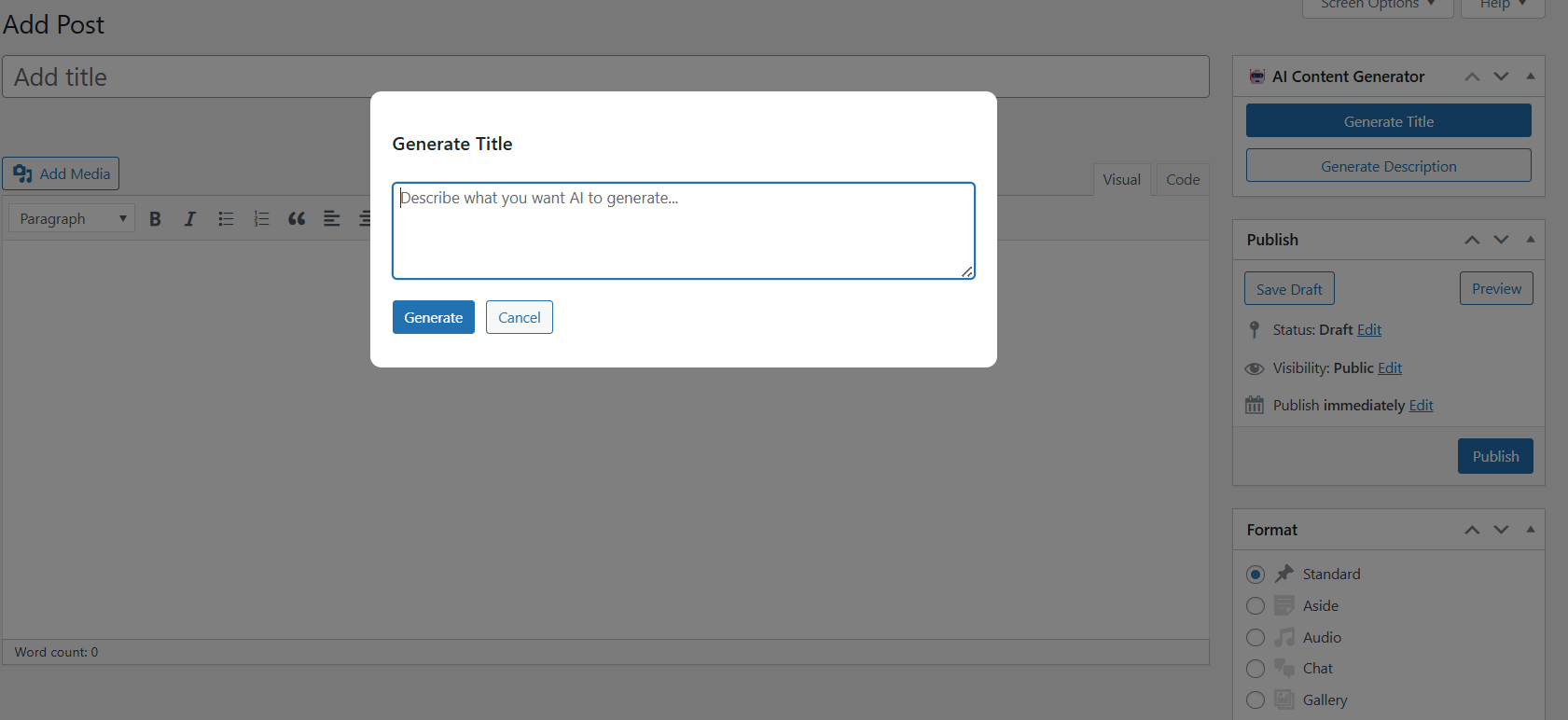
Click the AI Generate button
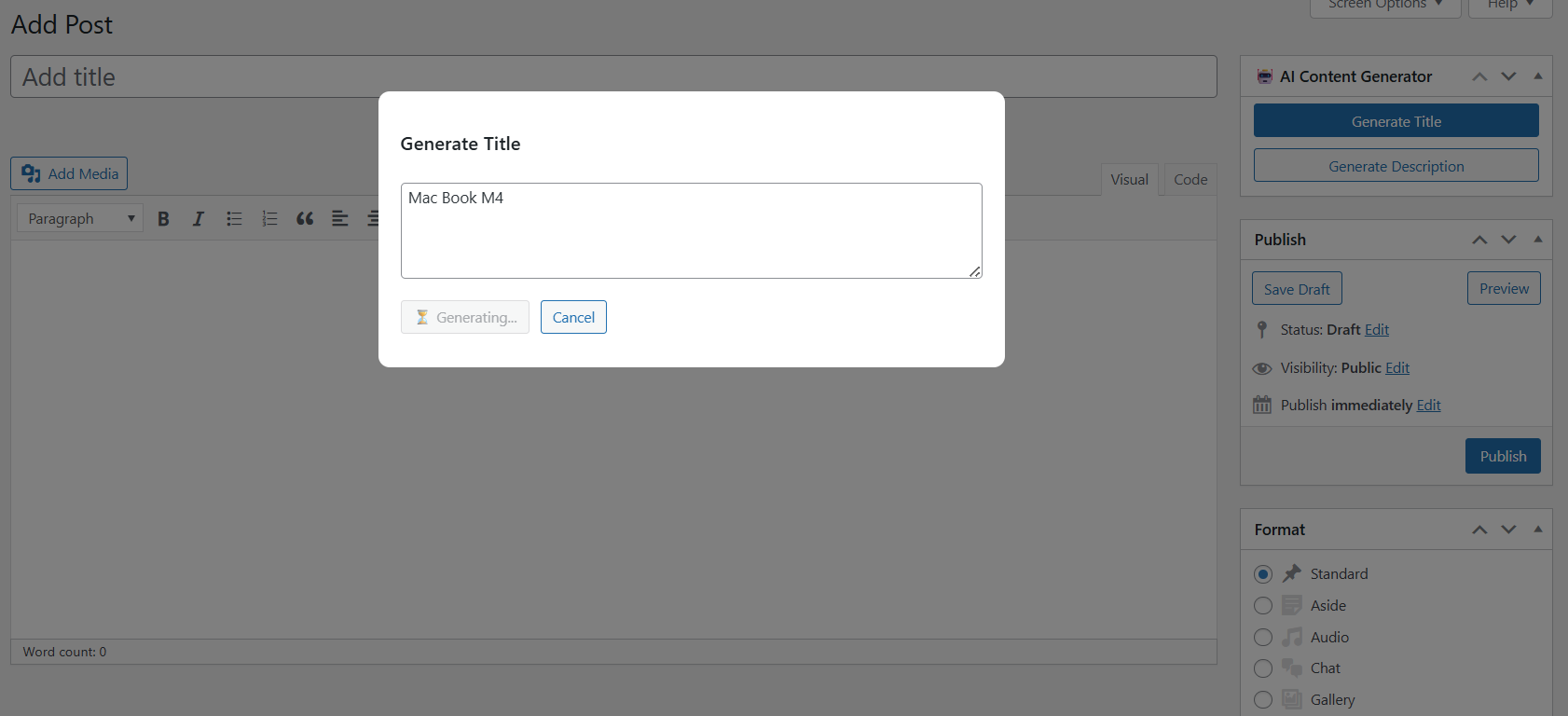
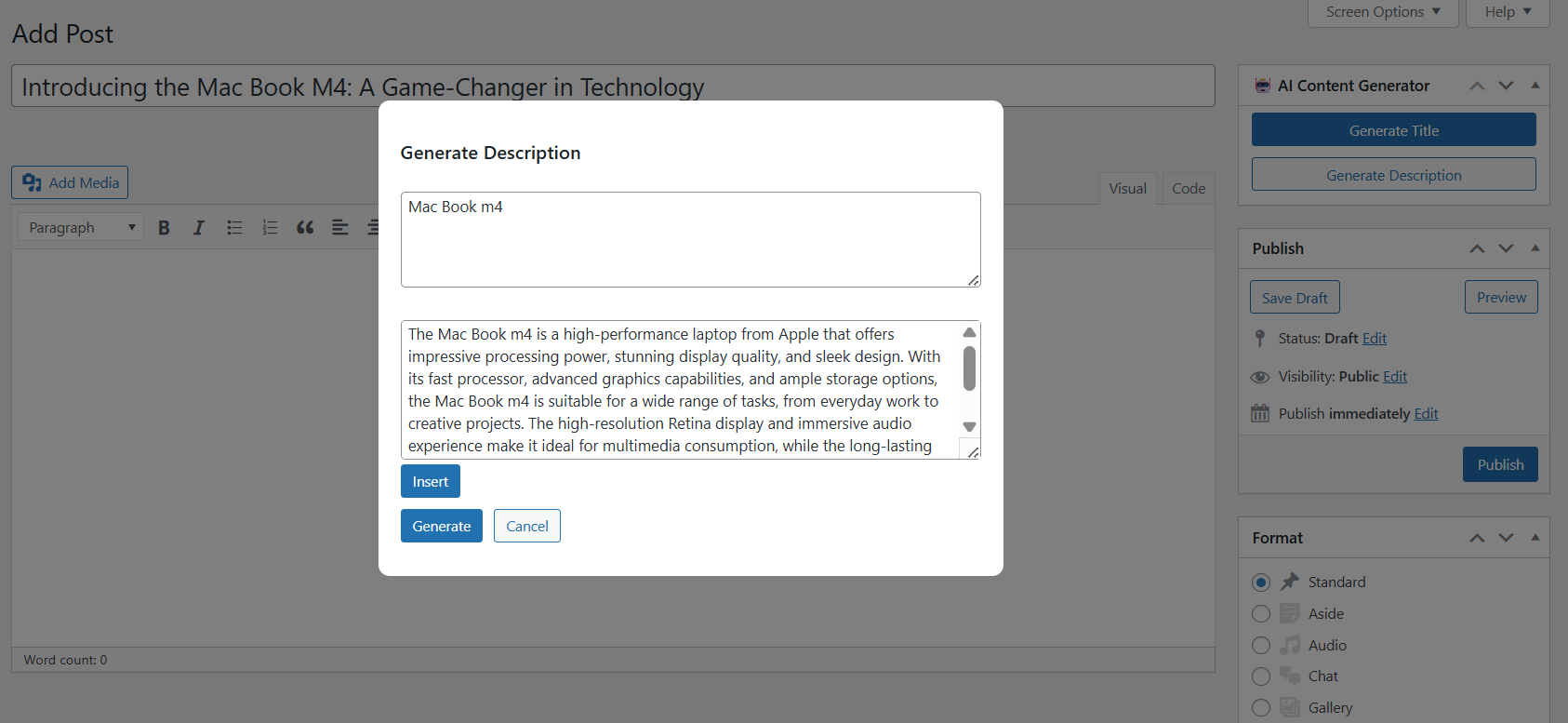
Enter your topic or idea
Click Generate
Review the suggestion
Insert the text if you like it
How To Use For WooCommerce Products
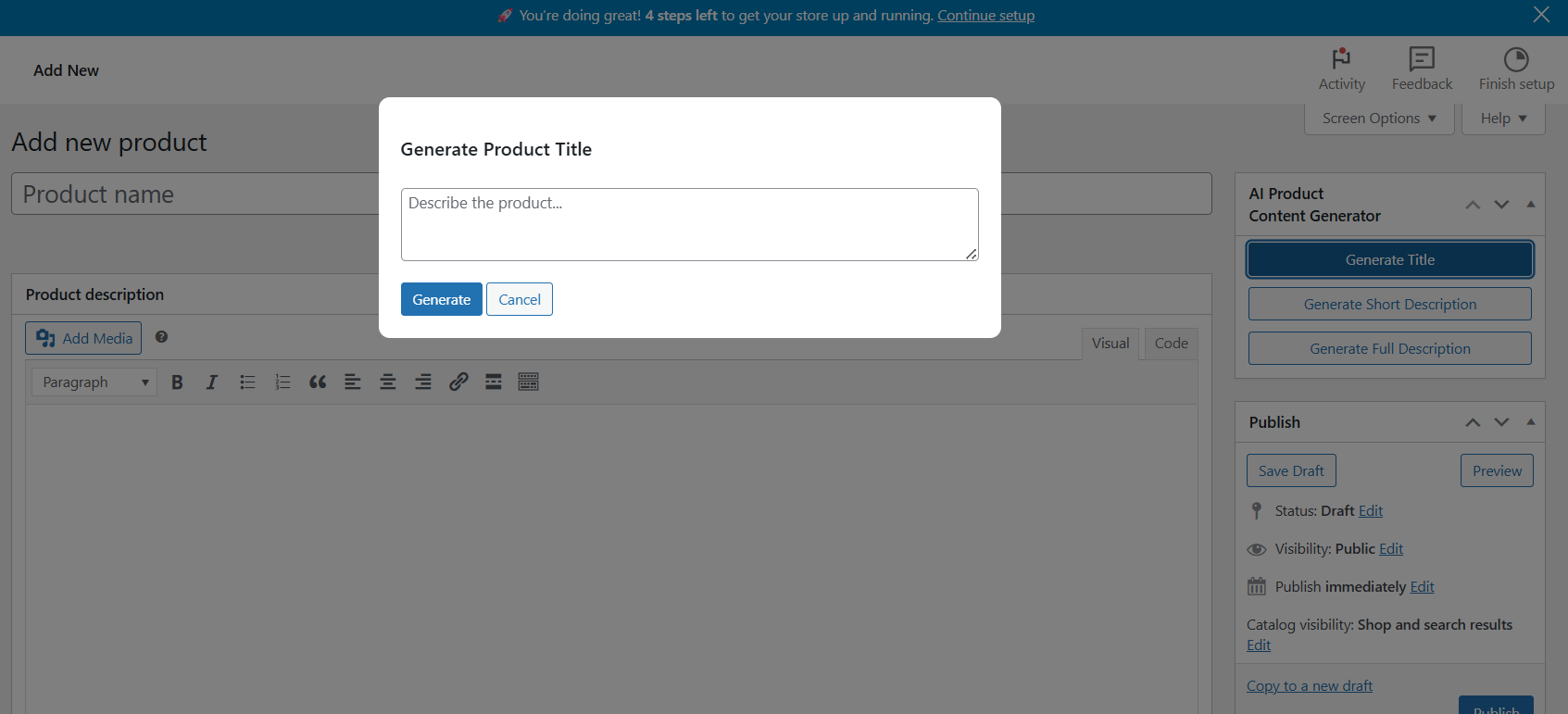
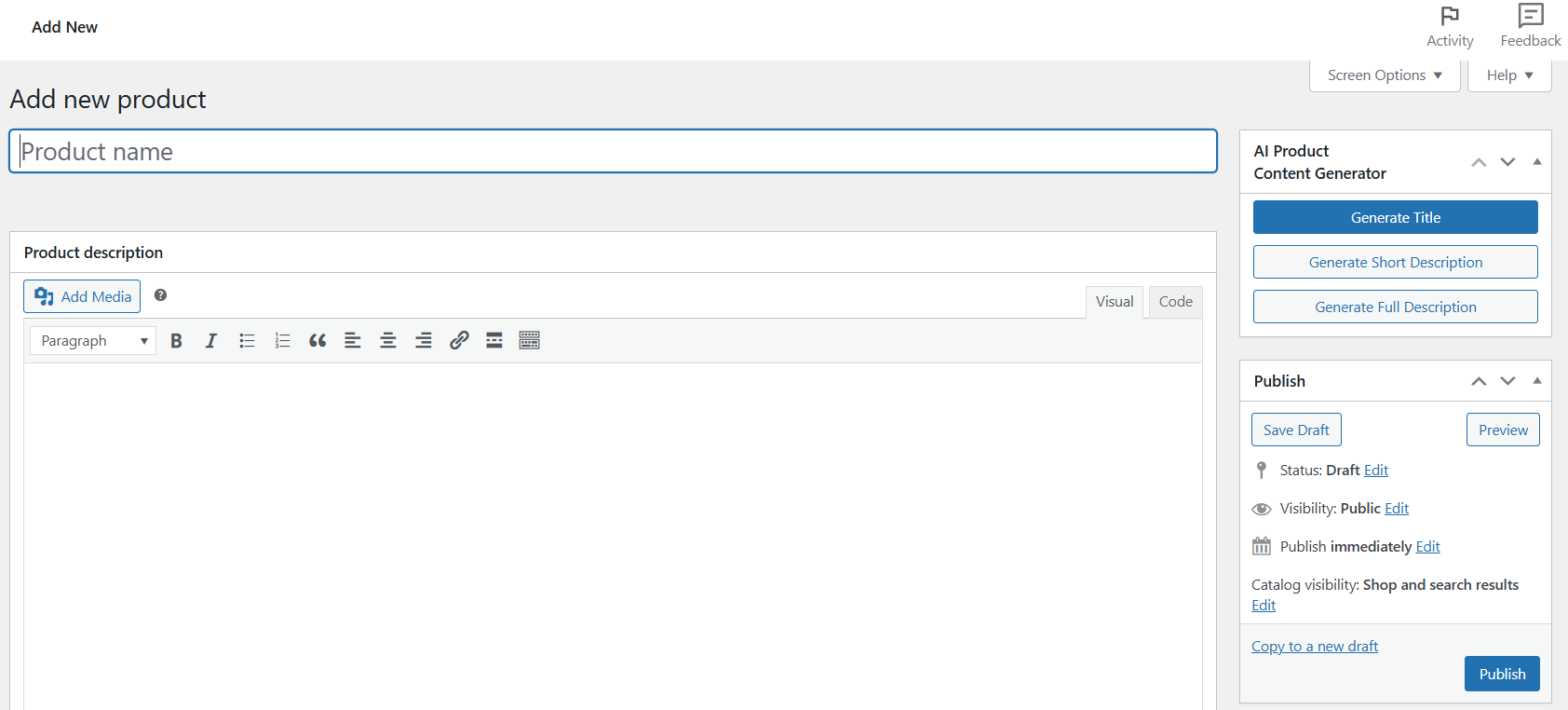
Open or create a product
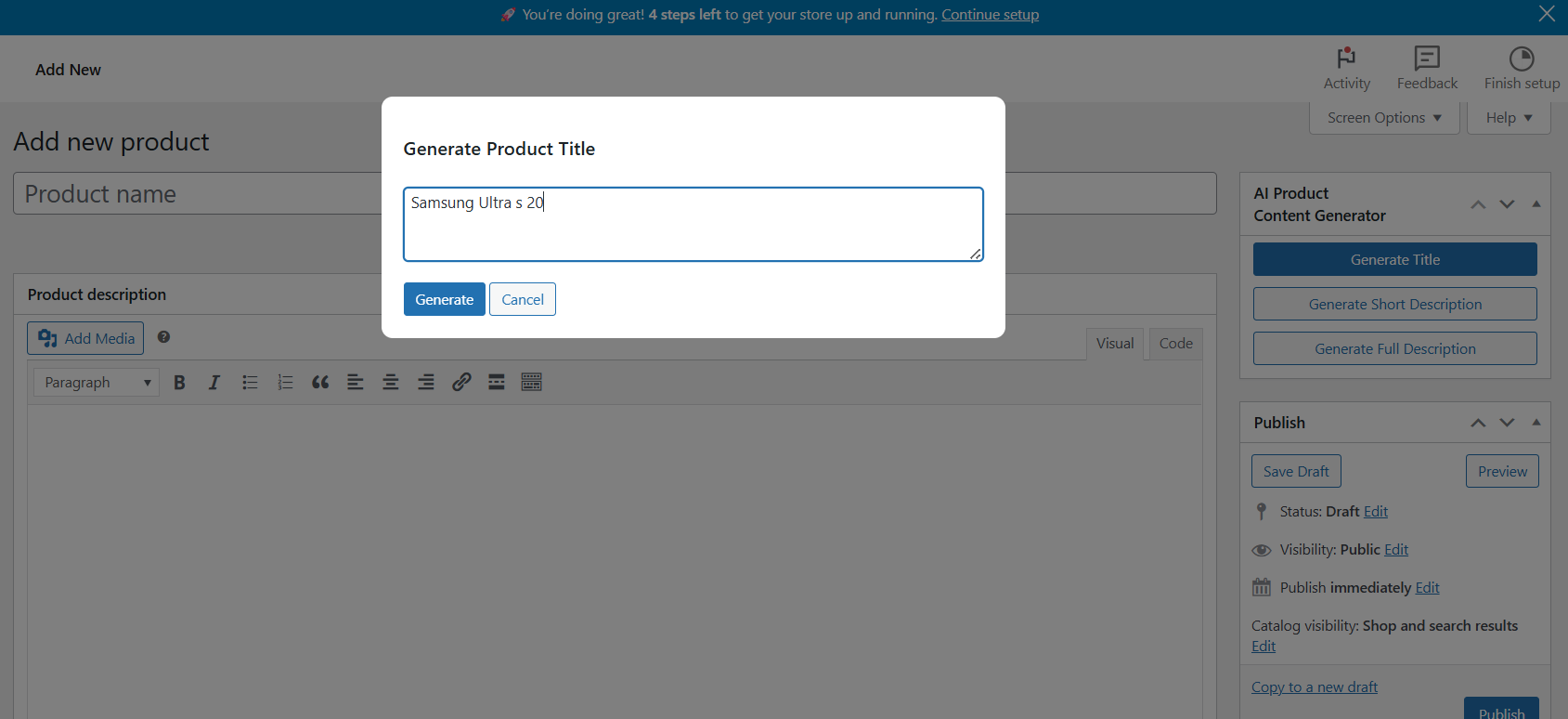
Enter product keywords or details
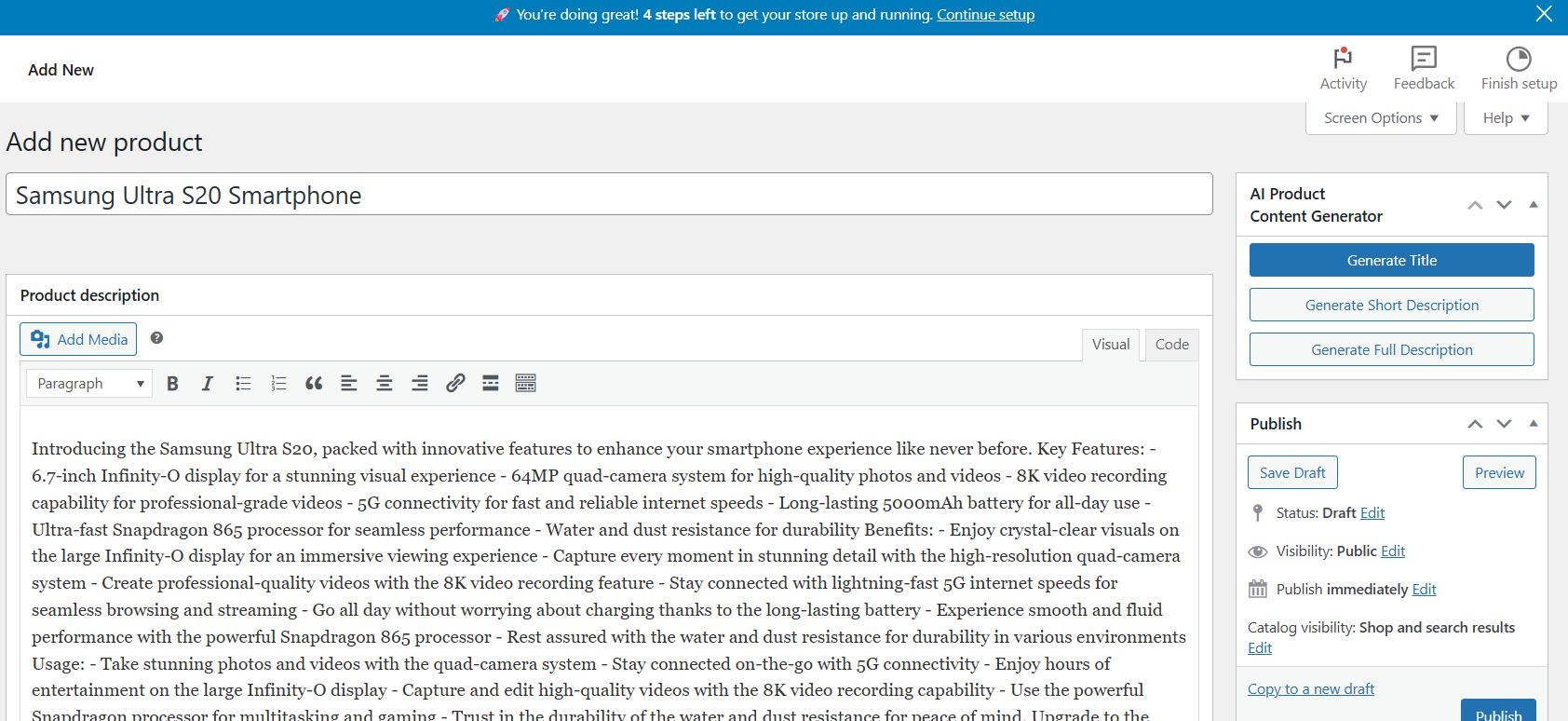
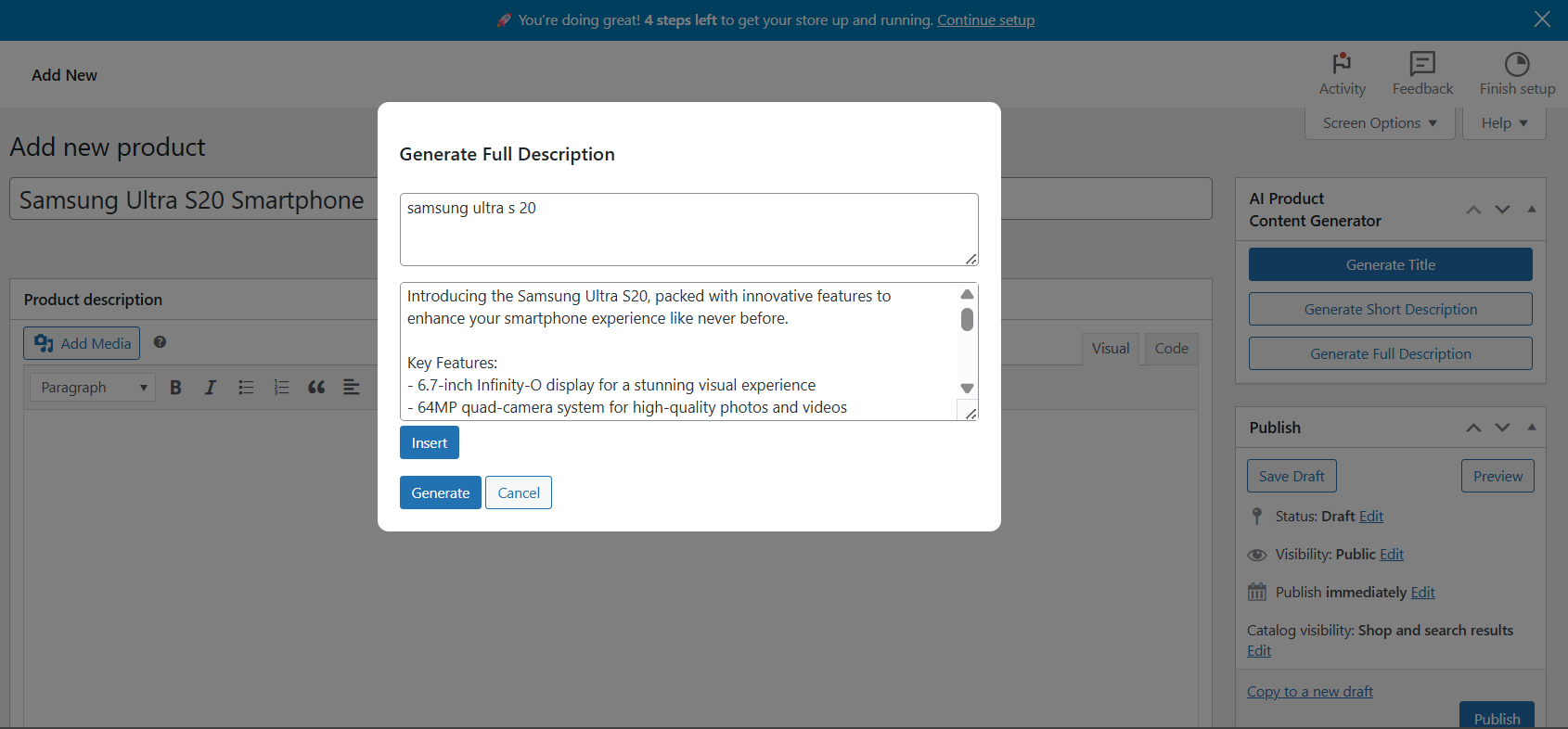
Click Generate Title, Generate Short Description, or Generate Full Description
Wait for AI to create the content
Review the preview
Insert it into your product with one click
How To Get a Free API Key
Go to openrouter.ai
Create a free account
Open the API Keys page
Generate a new key
Copy and paste it into the plugin settings
Once activated and configured, AI Content Creator works directly inside the editor. You keep full control, and the plugin simply helps you write faster and smarter.