Emoji Reaction For Posts. Let Visitors React With Emojis
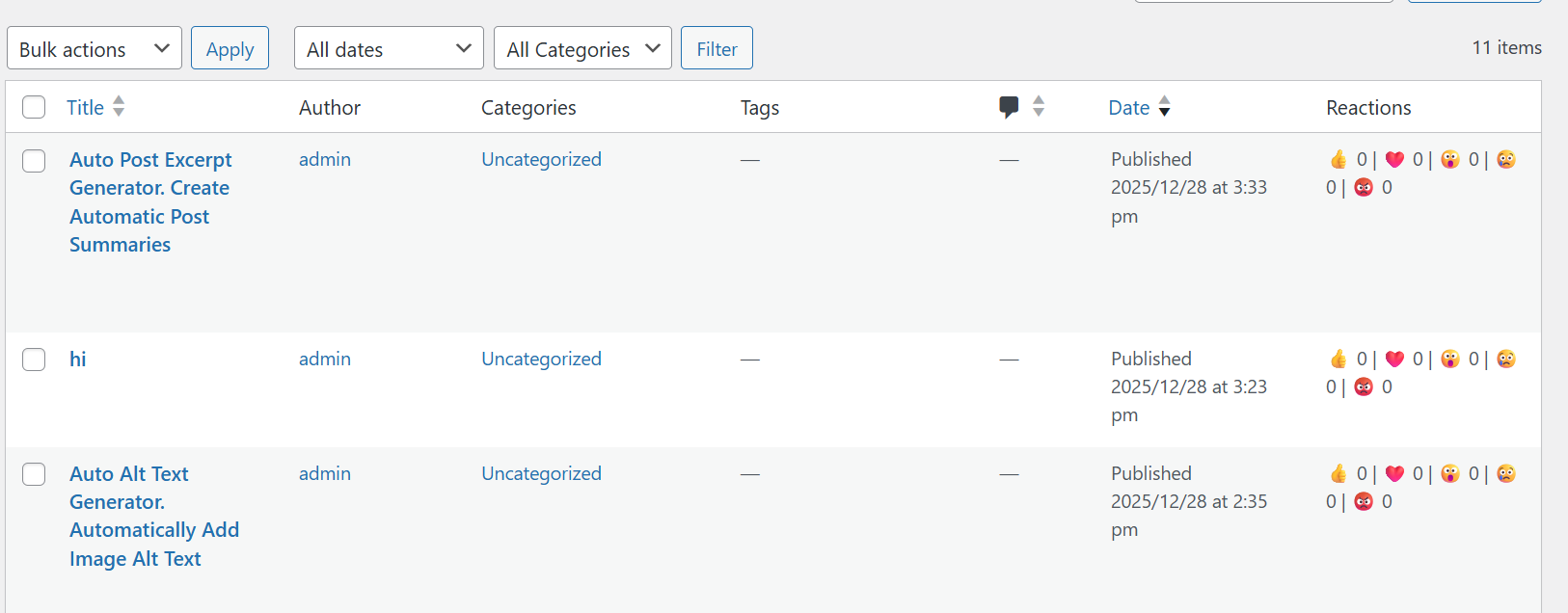
Emoji Reaction For Posts adds fun emoji reaction buttons under your blog posts so visitors can quickly express how they feel without leaving a comment. It is simple, lightweight, and increases engagement by letting users tap an emoji instead of writing something. Reaction counts are saved so you can see which posts people love the most.
Features:
✔ Emoji reactions under posts
✔ Multiple emoji sets
✔ Reaction counters
✔ Works with posts and custom post types
✔ Mobile friendly
✔ Lightweight and easy to use
How To Install:
Go to Plugins → Add New
Click Upload Plugin
Select the plugin zip file
Click Install Now
Activate the plugin
How To Use:
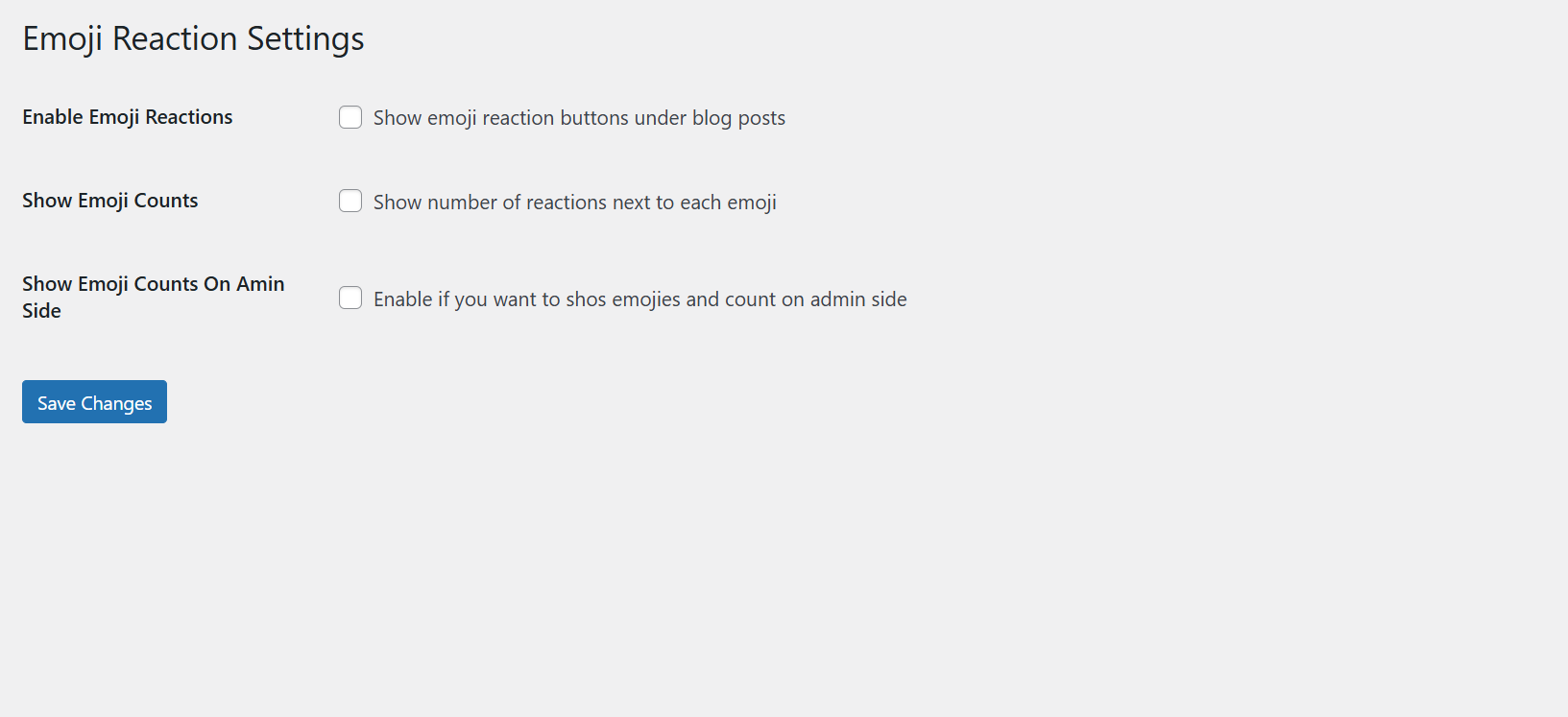
Go to Settings → Emoji Reaction For Posts
Choose which emojis you want to display
Enable reactions for posts or other content types
Click Save
Your visitors will now be able to react with emojis on your posts.