Custom Cursor Plugin. Replace Default Mouse Cursor With Style
Custom Cursor Plugin lets you replace the default browser cursor with a stylish, modern cursor design on your WordPress site. You can choose from built in cursor styles or upload your own image to create a unique experience. It works on all pages and helps make your site look more interactive and branded without any coding.
Features:
✔ Replace default mouse cursor
✔ Multiple cursor style options
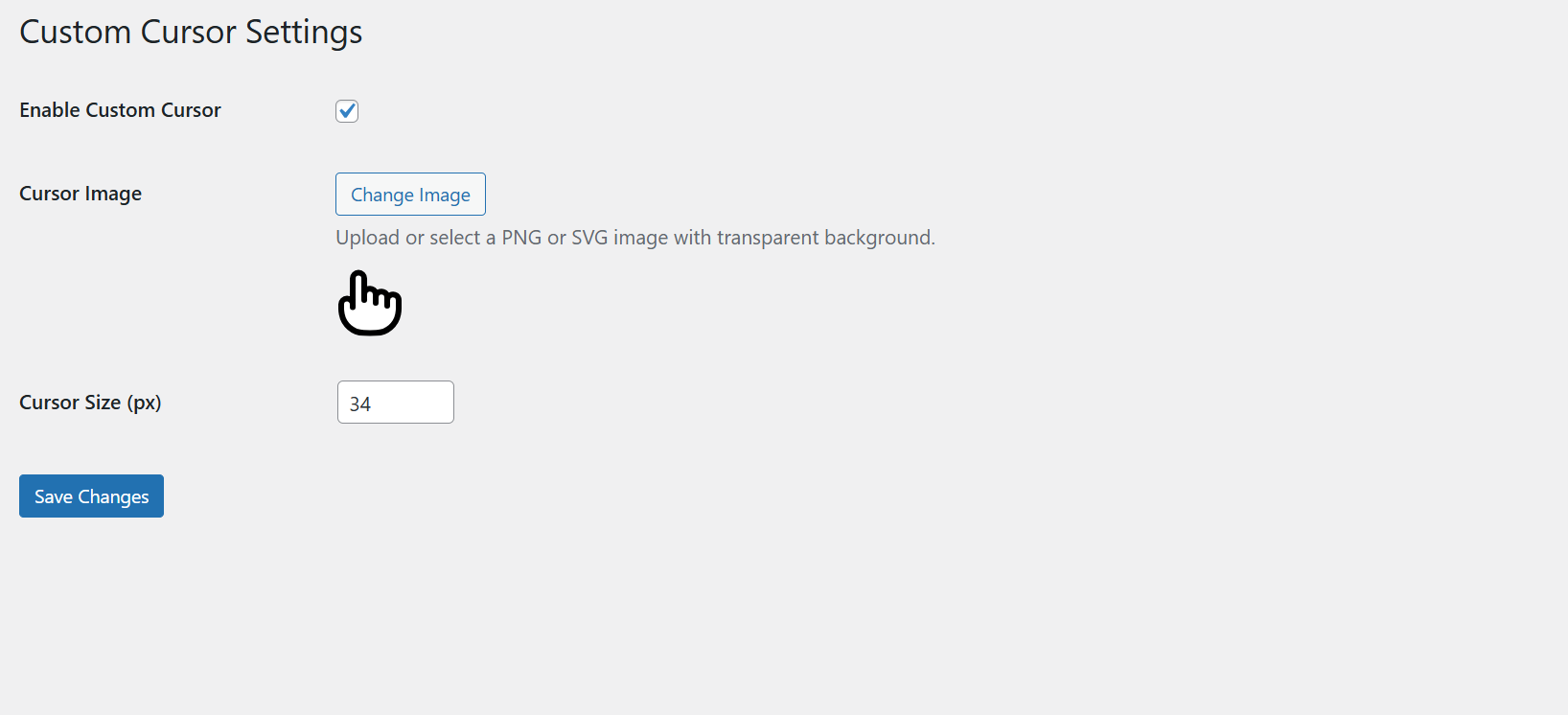
✔ Upload your own custom cursor image
✔ Adjustable size and effects
✔ Works on desktop and laptop browsers
✔ Lightweight and easy to use
How To Install:
Go to Plugins → Add New
Click Upload Plugin
Select the plugin zip file
Click Install Now
Activate the plugin
How To Use:
Go to Settings → Custom Cursor Plugin
Select a cursor style or upload your own
Adjust size and visibility settings
Click Save
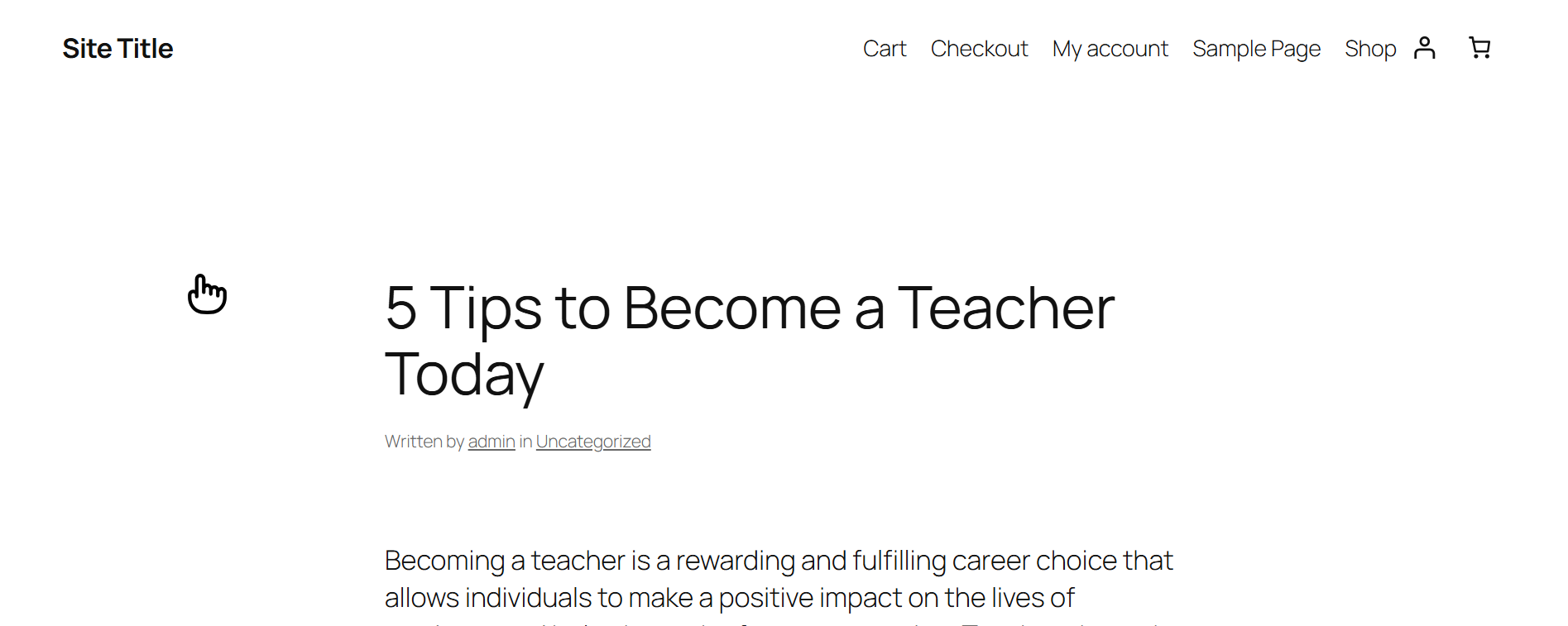
Your website will now display the new custom cursor instead of the default pointer.